
Gin+Svelte实现一个登录页面
2025/11/25大约 4 分钟
技术栈
- 后端
- Gin
- gin-contrib/sessions
- zap
- viper
- bcrypt
- go-orm
- go-redis
- 前端
- sveltekit
- daisyui
- 数据库
- psql
项目初始化
配置Daisy UI
配的时候发现怎么配都不行,发现原来是TailwindV4太新,Daisy UI没更上……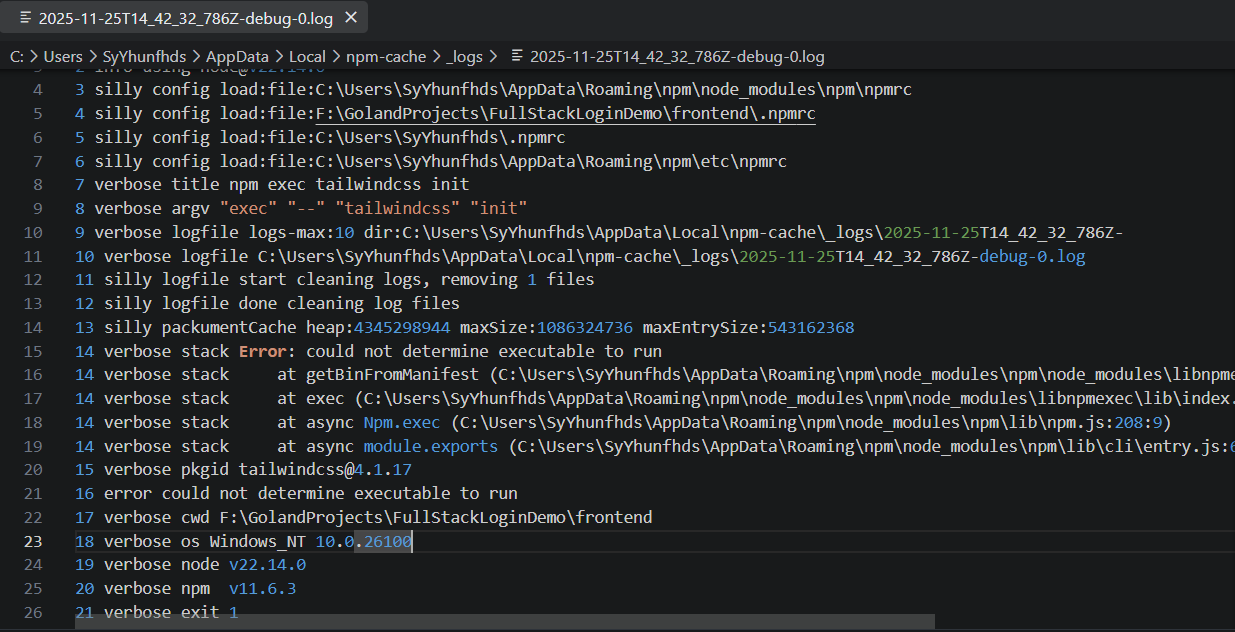
一部分报错日志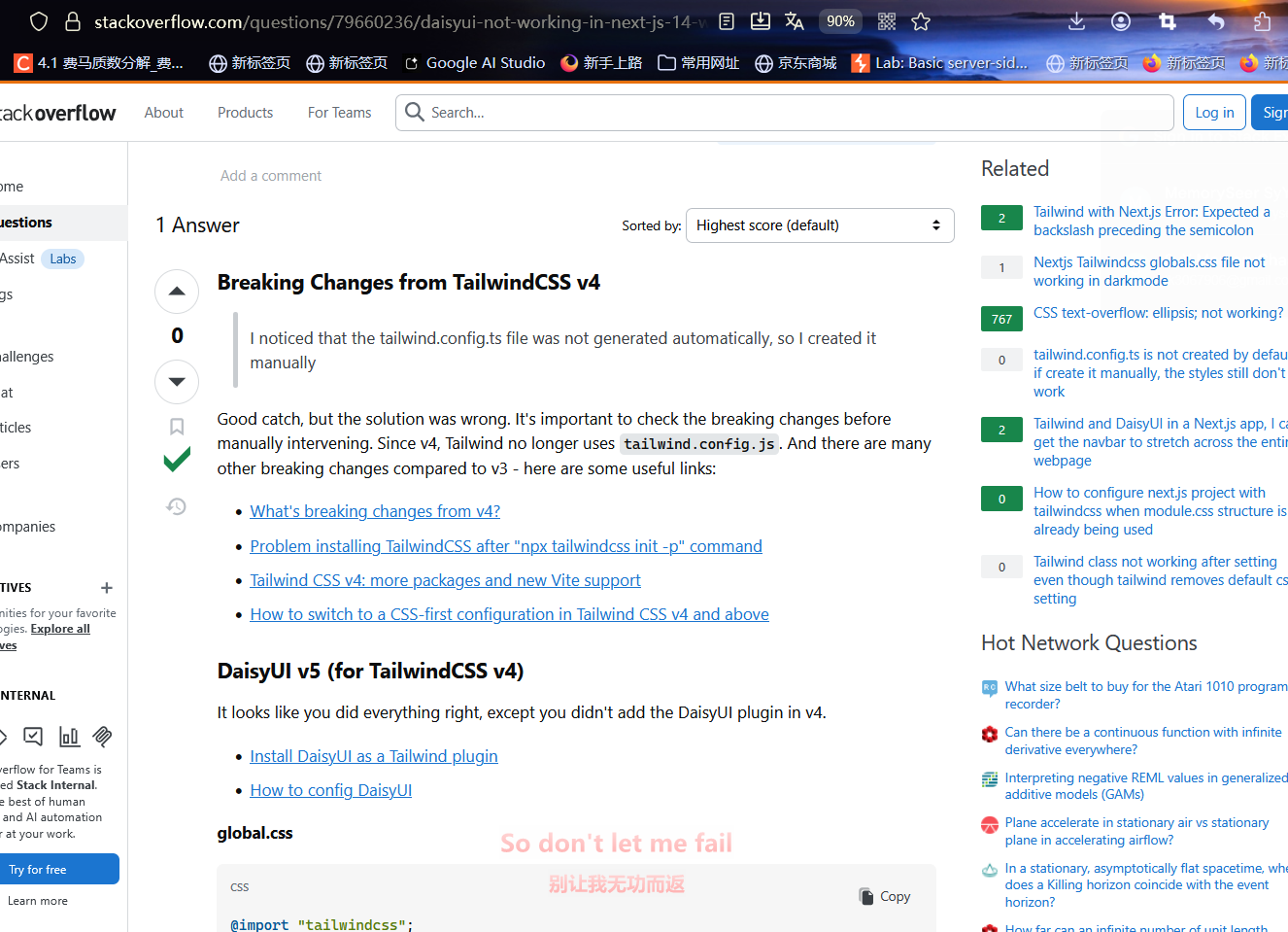
Stack Overflow上的相关帖子
先暂时退回到Tailwindv3吧
npm install -D tailwindcss@v3 postcss autoprefixer
npx tailwindcss init
然后补上文件:
src/app.css:
@tailwind base;
@tailwind components;
@tailwind utilities;tailwind.config.js:
/** @type {import('tailwindcss').Config} */
export default {
  // 1. 扫描所有 svelte 文件
  content: ['./src/**/*.{html,js,svelte,ts}'],
  theme: {
    extend: {},
  },
  // 2. 加载 daisyui 插件
  plugins: [
    require('daisyui'),
  ],
  // 3. (可选) 配置 daisyui 主题
  daisyui: {
    themes: ["light", "dark", "cupcake"],
  },
}
补API
搭建页面
全局布局
页脚
到DaisyUI拿个单行授权信息页脚:
<footer class="footer items-center p-4 bg-neutral text-neutral-content">
  <div class="items-center grid-flow-col">
    <svg width="36" height="36" viewBox="0 0 24 24" xmlns="http://www.w3.org/2000/svg" fill-rule="evenodd" clip-rule="evenodd" class="fill-current"><path d="M22.672 15.226l-2.432.811.841 2.515c.33 1.019-.209 2.127-1.23 2.456-1.15.325-2.148-.321-2.463-1.226l-.84-2.518-5.013 1.677.84 2.517c.391 1.203-.434 2.542-1.831 2.542-.88 0-1.601-.564-1.86-1.314l-.842-2.516-2.431.809c-1.135.328-2.145-.317-2.463-1.229-.329-1.018.211-2.127 1.231-2.456l2.432-.809-1.621-4.823-2.432.808c-1.355.384-2.558-.59-2.558-1.839 0-.817.509-1.582 1.327-1.846l2.433-.809-.842-2.515c-.33-1.02.211-2.129 1.232-2.458 1.02-.329 2.13.209 2.461 1.229l.842 2.515 5.011-1.677-.839-2.517c-.403-1.238.484-2.553 1.843-2.553.819 0 1.585.509 1.85 1.326l.841 2.517 2.431-.81c1.02-.33 2.131.211 2.461 1.229.332 1.018-.21 2.126-1.23 2.456l-2.433.809 1.622 4.823 2.433-.809c1.242-.401 2.557.484 2.557 1.838 0 .819-.51 1.583-1.328 1.847m-8.992-6.428l-5.01 1.675 1.619 4.828 5.011-1.674-1.62-4.829z"></path></svg>
    <p>Copyright © 2025 - All right reserved</p>
  </div>
  <div class="grid-flow-col gap-4 md:place-self-center md:justify-self-end">
    <a><svg xmlns="http://www.w3.org/2000/svg" width="24" height="24" viewBox="0 0 24 24" class="fill-current"><path d="M24 4.557c-.883.392-1.832.656-2.828.775 1.017-.609 1.798-1.574 2.165-2.724-.951.564-2.005.974-3.127 1.195-.897-.957-2.178-1.555-3.594-1.555-3.179 0-5.515 2.966-4.797 6.045-4.091-.205-7.719-2.165-10.148-5.144-1.29 2.213-.669 5.108 1.523 6.574-.806-.026-1.566-.247-2.229-.616-.054 2.281 1.581 4.415 3.949 4.89-.693.188-1.452.232-2.224.084.626 1.956 2.444 3.379 4.6 3.419-2.07 1.623-4.678 2.348-7.29 2.04 2.179 1.397 4.768 2.212 7.548 2.212 9.142 0 14.307-7.721 13.995-14.646.962-.695 1.797-1.562 2.457-2.549z"></path></svg>
    </a>
    <a><svg xmlns="http://www.w3.org/2000/svg" width="24" height="24" viewBox="0 0 24 24" class="fill-current"><path d="M19.615 3.184c-3.604-.246-11.631-.245-15.23 0-3.897.266-4.356 2.62-4.385 8.816.029 6.185.484 8.549 4.385 8.816 3.6.245 11.626.246 15.23 0 3.897-.266 4.356-2.62 4.385-8.816-.029-6.185-.484-8.549-4.385-8.816zm-10.615 12.816v-8l8 3.993-8 4.007z"></path></svg></a>
    <a><svg xmlns="http://www.w3.org/2000/svg" width="24" height="24" viewBox="0 0 24 24" class="fill-current"><path d="M9 8h-3v4h3v12h5v-12h3.642l.358-4h-4v-1.667c0-.955.192-1.333 1.115-1.333h2.885v-5h-3.808c-3.596 0-5.192 1.583-5.192 4.615v3.385z"></path></svg></a>
  </div>
</footer>
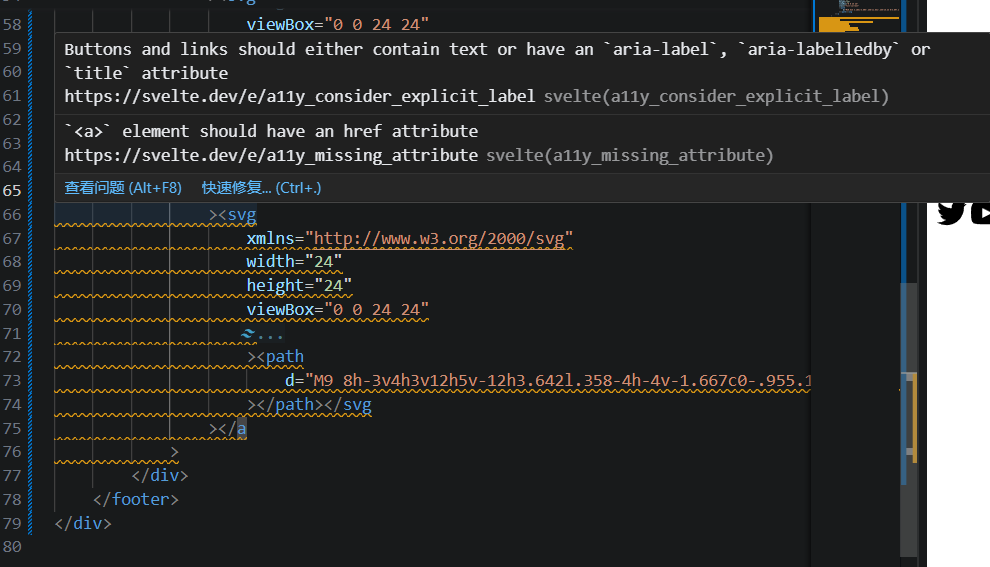
666无障碍通行来了……
一通排查发现tailwindcss降级v3之后,daisyui也得降级回到v4(最新版是适配tw v4的)
顺便还要刷新vite缓存:
npm run dev -- --force
# npm warn using --force Recommended protections disabled.
现在页脚预留占位符如下:
<script lang="ts">
  let {
    author, version,
    copyright,
  } = $props();
</script>


<footer class="footer items-center p-4 bg-neutral text-neutral-content">

  <aside class="items-center grid-flow-col">
<p>Copyright © {author} {copyright.year} - All right reserved</p>
  </aside>


</footer>
摇AI写的代码,我自己改一下:
const BASE_URL = import.meta.env.DEV ? 'http://localhost:8080/api/v1': '';

export async function request(
    url: String, method='GET', data=null
) {
    const headers = {
        'Content-Type': 'application/json',
        'Authorization': '',
    };

    const token = localStorage.getItem('token');
    if (token || token != '') {
        headers['Authorization'] = `Bearer ${token}`;
    }

    const config = {
        method,
        headers,
        body: data ? JSON.stringify(data) : null,
    };

    try {
        const response = await fetch(`${BASE_URL}${url}`, config);
        const data = await response.json();

        if (response.status == 401) {
            localStorage.removeItem('token');
            window.location.href = '/login';
        }

        if (!response.ok) {
            throw new Error(data.msg || '请求失败');
        }
        console.log(data);
        return data;

    } catch (error) {
        console.log(error);
        throw error; // 将异常交给调用方处理
    }

};

export const api = {
    get: (url: String) => request(url),
    post: (url: String, data: any) => request(url, 'POST', data),
    put: (url: String, data: any) => request(url, 'PUT', data),
    delete: (url: String, data: any) => request(url, 'DELETE', data),
}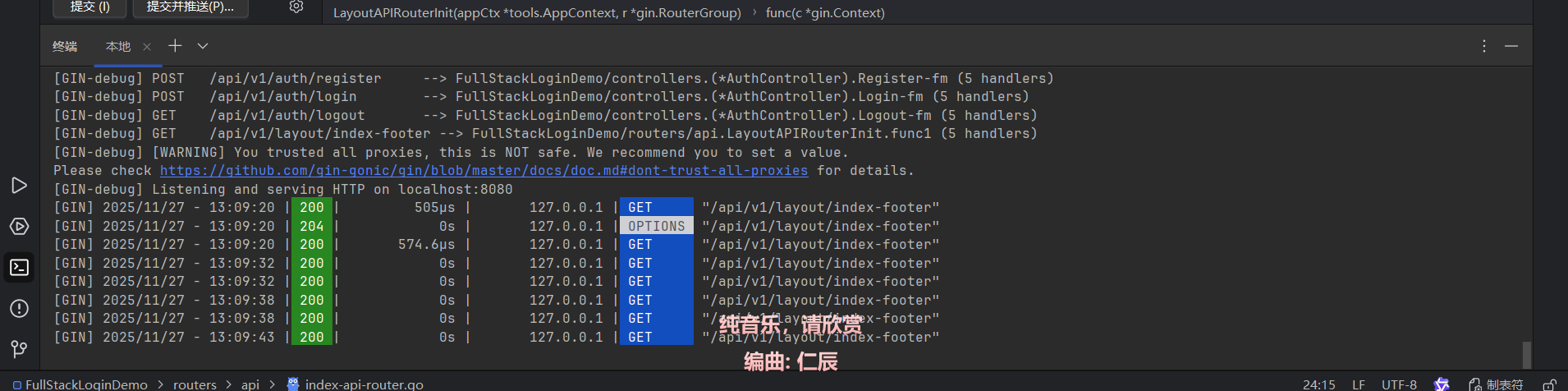
后端配一下CORS放行一下前端的请求:
func InitCORS(r *gin.Engine) {
    c := cors.New(cors.Config{
       AllowOrigins: []string{
          "http://localhost:5173",
       },
       AllowMethods: []string{"GET", "POST", "PUT", "PATCH", "DELETE", "OPTIONS"},

       // 准许携带的头, 必要的话把自定义请求头放进去
       AllowHeaders: []string{"Origin", "Content-Length", "Content-Type", "Authorization"}, // "Authorization",

       // 暴露的头信息, 这个可以让前端js访问到
       ExposeHeaders: []string{"Content-Length"},

       // 凭证共享, 如果前端需要传递 cookie, 则必须设置为 true       AllowCredentials: true,

       // 预检请求的缓存时间(秒)
       MaxAge: 12 * time.Hour,
    })

    r.Use(c)
}
登录页面
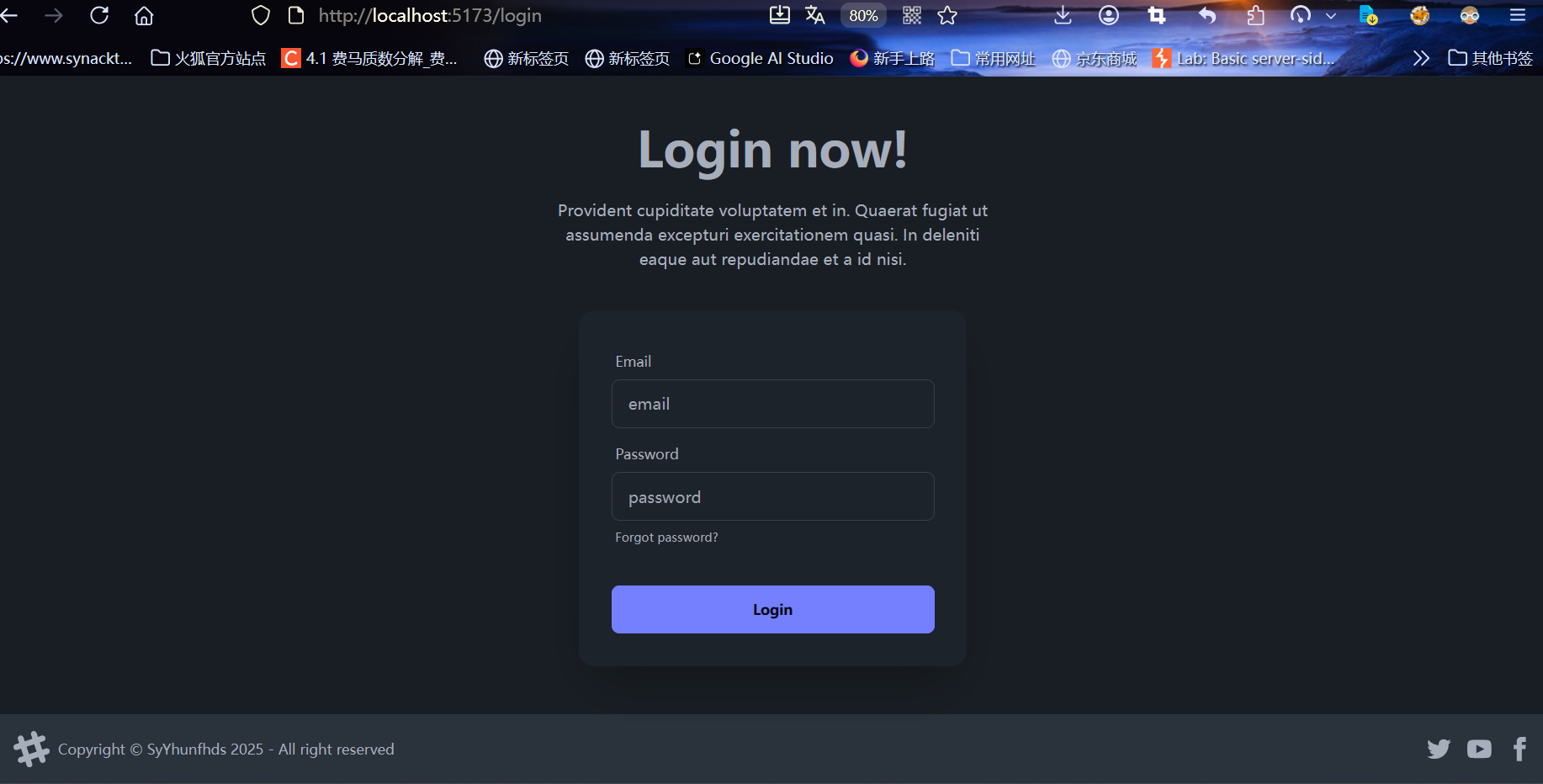
拿个登录页面回来然后爆改布局……
现在要编写前端注册逻辑
页面逻辑完善
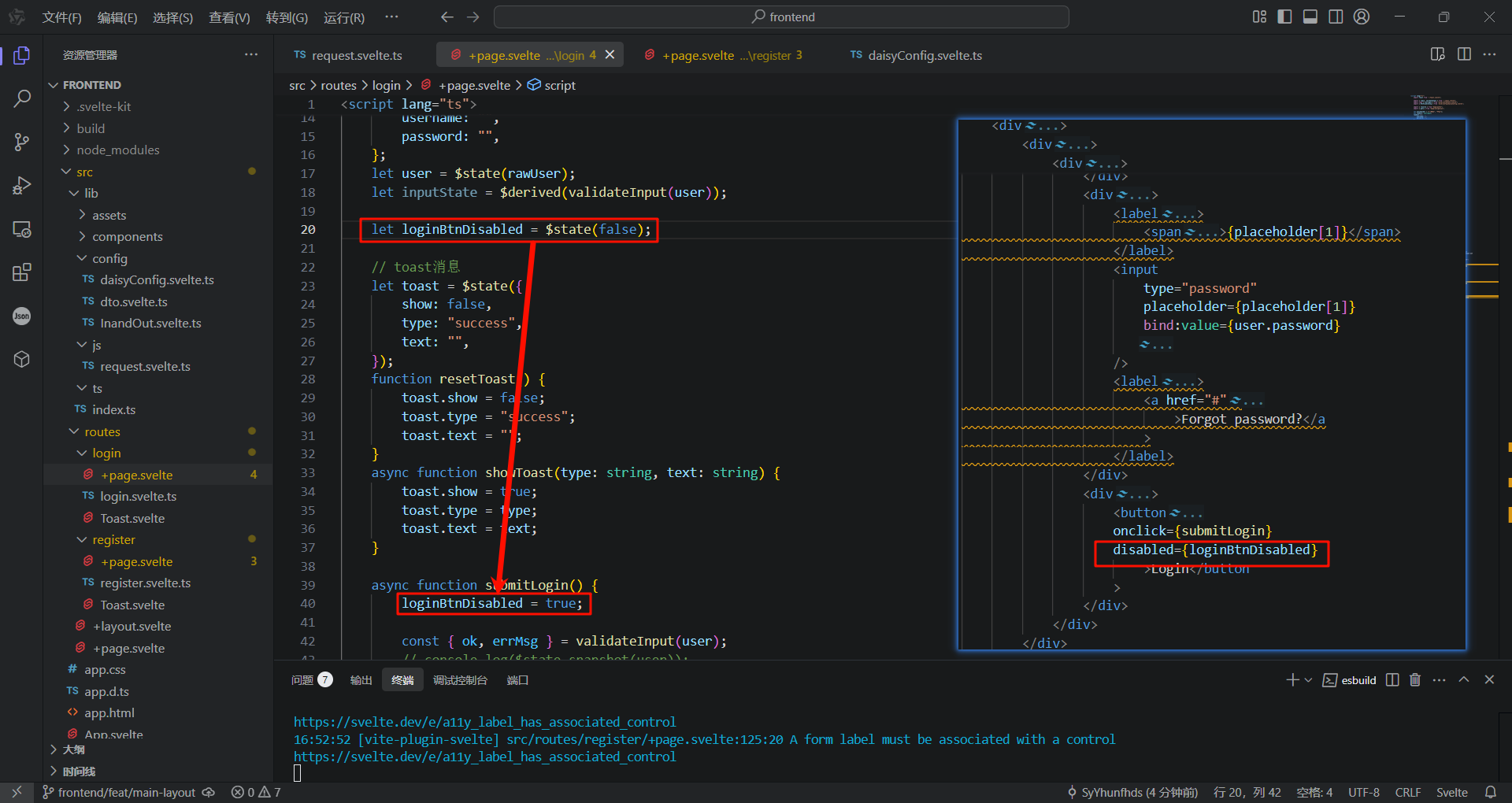
登录和注册时锁住按钮
利用daisyui按钮的diabled: boolean属性在提交请求时锁住按钮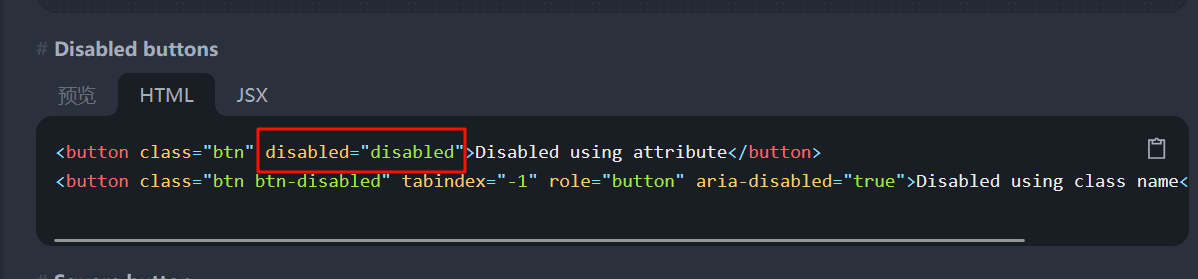
接入图形验证码
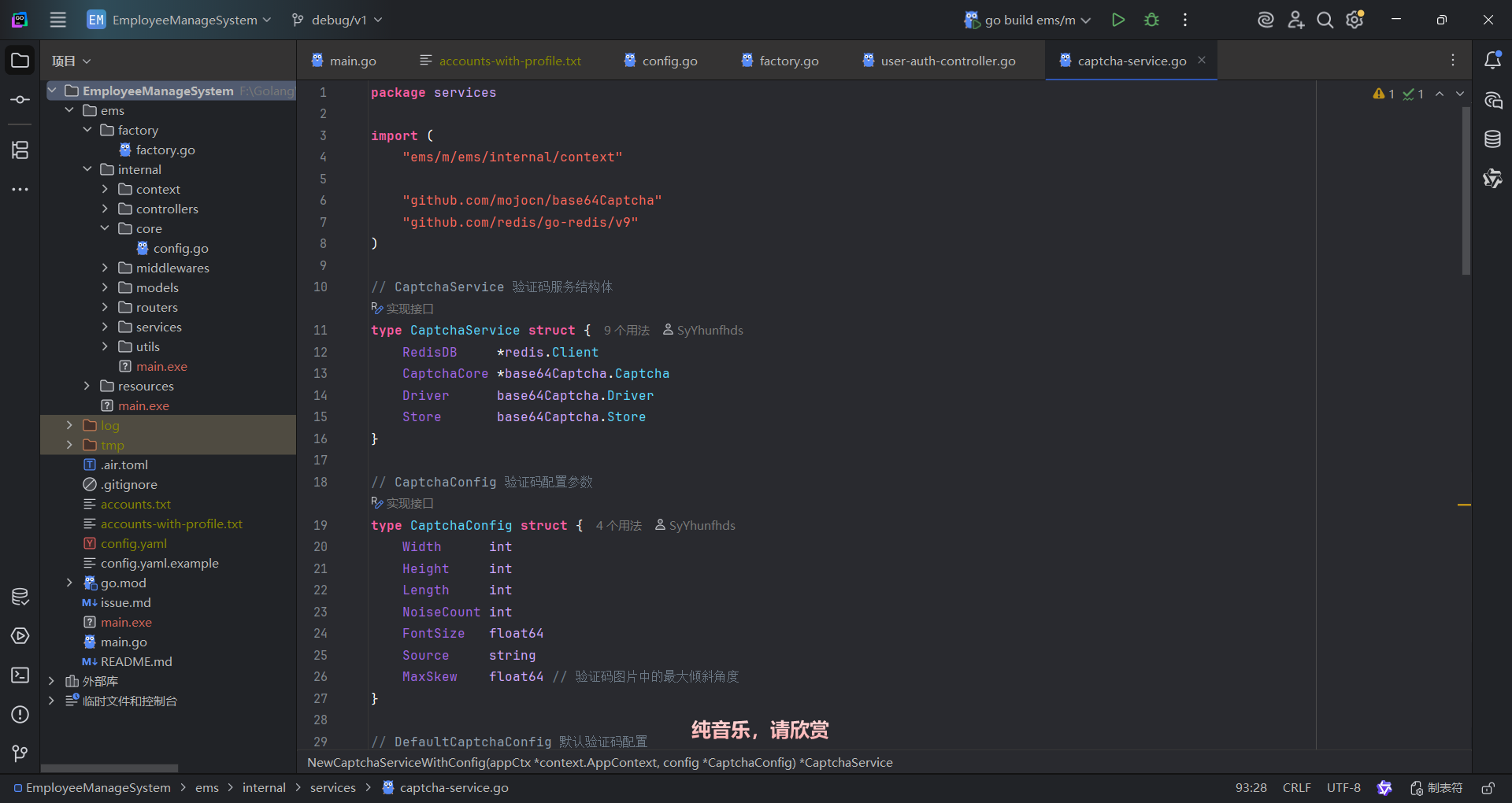
去之前的EMS项目里把验证码服务提取出来